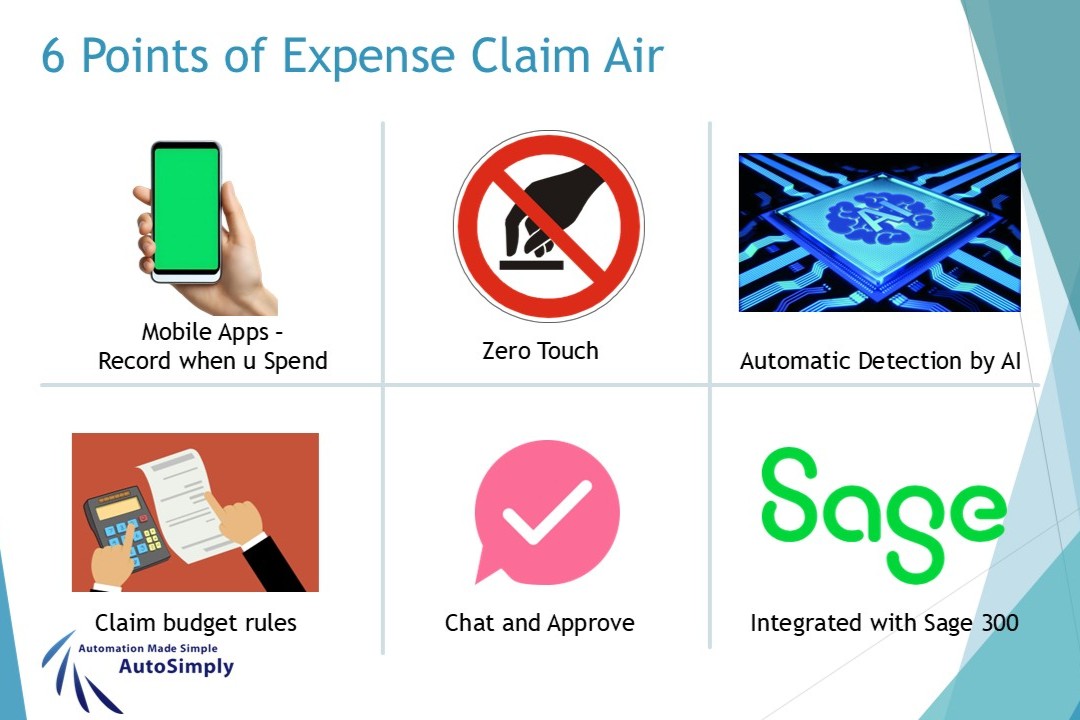
Chat and Approve
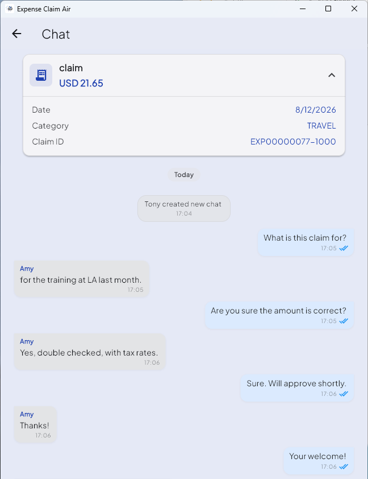
Managers can chat with Staff per claim item, asking for explanations or adjustments, then decide to approve or not.

- Scan all the receipts.
- Chat with manager about my claims on the Expense Claim Air app.
- Manager receives my message in his app.
- Manager approves my claims by pressing on a button.
- Claim converted to A/P Inovice and uploaded to SAP B1 Automatically.
- Takes within an hour to complete.
Learn more about other points
(Click on one of the points below to learn more)